REAL ESTATE

Turn every introduction into a new property lead

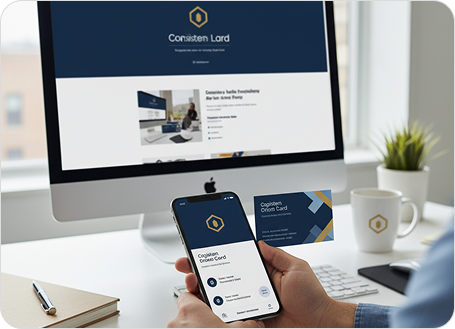
From property listings to client meetings, Cardopia helps agents and agencies manage contacts, present their brand professionally, and stay connected with smart Link Dock pages, AI-powered card scanning, and branded email signatures.
card1
card2
card3
card4
card5

Capture and manage leads effortlessly

  • Scan and digitise business cards instantly at open houses, property expos, and networking events using the Cardopia app.
  • Auto-fill contact details into your CRM or lead tracker to save time and ensure accuracy.
  • Follow up seamlessly with professional email signatures that display your photo, agency logo, and contact info in every message.
  • Create a Link Dock (link in bio) to showcase your listings, virtual tours, booking calendar, and testimonials – all in one central hub.

Streamline your agency’s workflow

  • Manage multiple agents under one corporate account with permission controls and real-time updates.
  • Sync contacts across devices and team members for a unified client view.
  • Deploy branded email signatures across your agency for consistent communication.
  • Integrate Cardopia with your existing CRM and property management tools for a smoother sales process.

Connect with clients anywhere, anytime

  • Scan cards and save leads even without internet access using offline mode.
  • Support for over 30 languages ensures global reach for international buyers and investors.
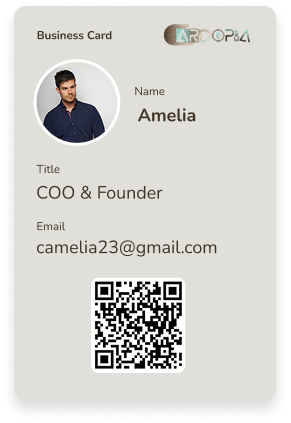
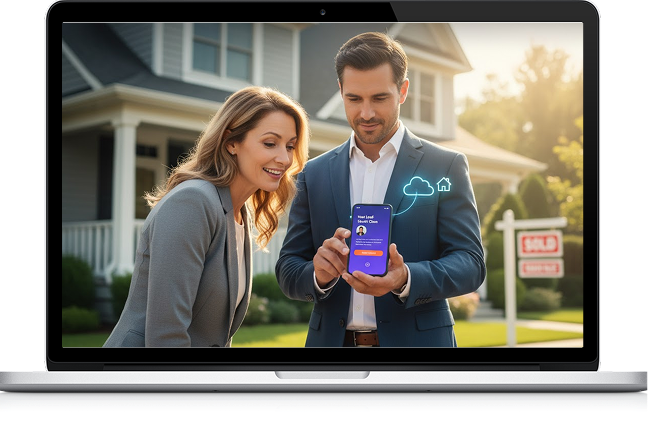
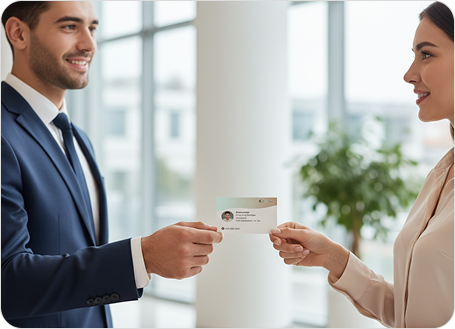
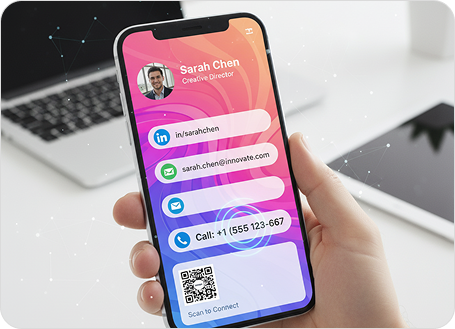
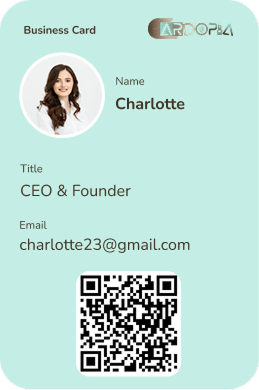
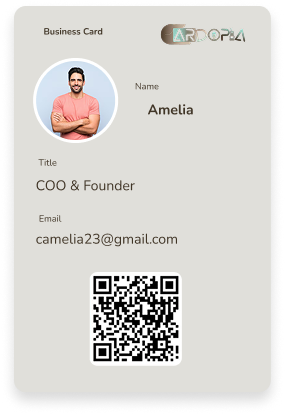
  • Instantly share your digital card or Link Dock via QR code during property viewings.
  • Keep all your digital touchpoints professional, polished, and easy to manage from one platform.

From listing to closing, Cardopia keeps you connected

The smarter way to manage real estate contacts

Cardopia helps agents, brokers, and developers turn contacts into contracts faster.

Features at a Glance

AI Business Card Scanning

Capture leads instantly at any event.

Smart Link Dock Pages

Showcase properties, client testimonials, and booking links in one hub.

Branded Email Signatures

Add professional, clickable signatures with your photo and contact details.

Frequently Asked Questions (FAQs)

Yes, simply scan business cards and organise them instantly with notes, tags, and cloud storage.

Absolutely. Create a Link Dock with property links, virtual tours, or booking pages — perfect for your social media bio or client communications.

Absolutely. We use encrypted cloud storage and permission-based access to protect sensitive data.

Cardopia’s offline scanning mode allows you to capture details on the spot and sync them once you’re reconnected.

Yes. Your digital card can be shared via QR code, email, or SMS - no app download required for recipients.